

Meet Navi: Your 24/7 AI Instructor Inside the MLS Classroom
Unlock 24/7 access to Navi, an AI instructor trained on MLS course material, so you can ask questions, run practice quizzes, and nail your captain’s exam.
Ask a question, share an experience, or add a helpful tip related to this article. Comments may appear after review to prevent spam.
Unlock 24/7 access to Navi, an AI instructor trained on MLS course material, so you can ask questions, run practice quizzes, and nail your captain’s exam.


Learn what questions to ask and how to prepare for a captain’s license drug test to ensure you avoid the most common application delays.
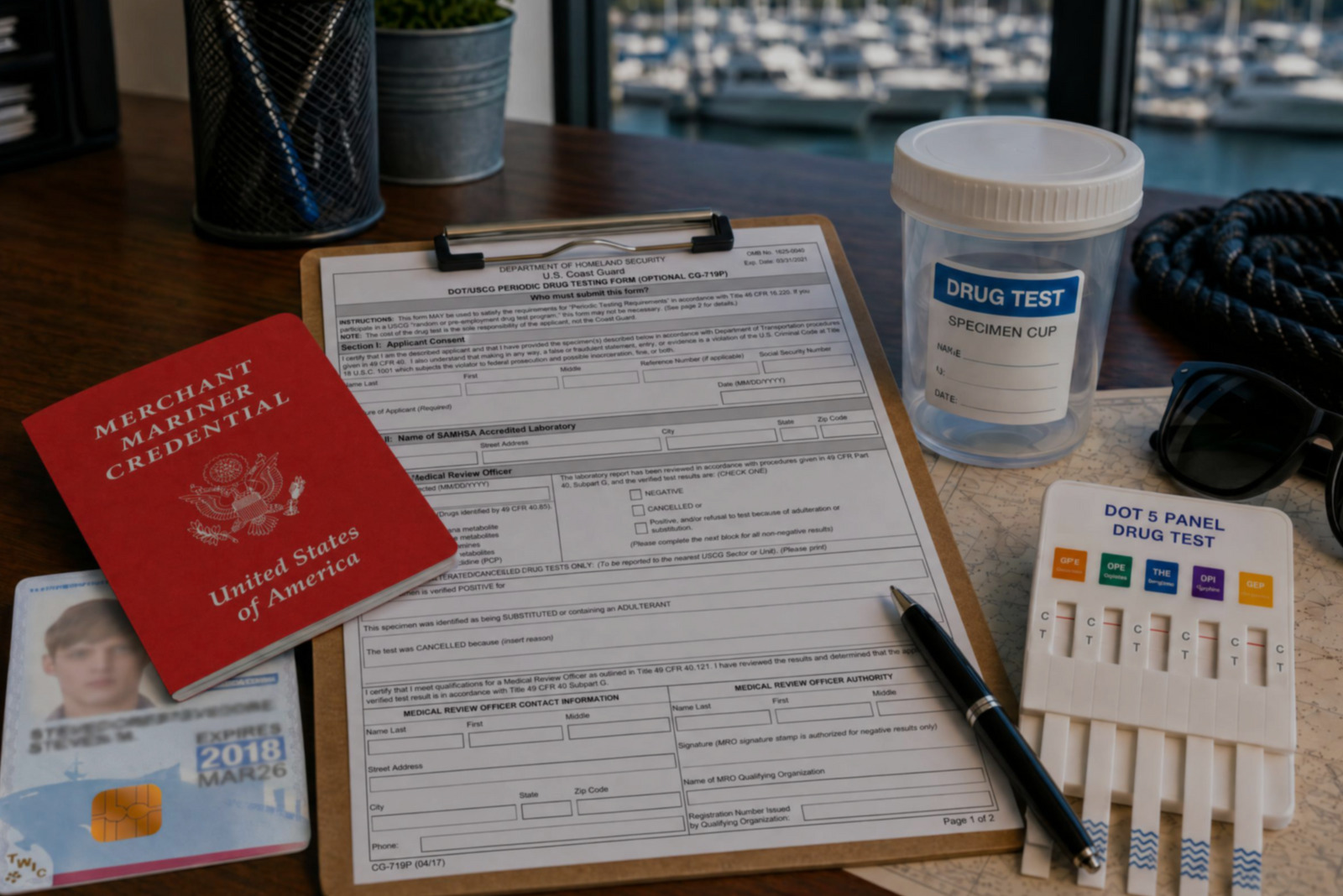

Discover the three types of drug tests working captains must submit to even after they’ve met the initial USCG drug testing requirements for their license.
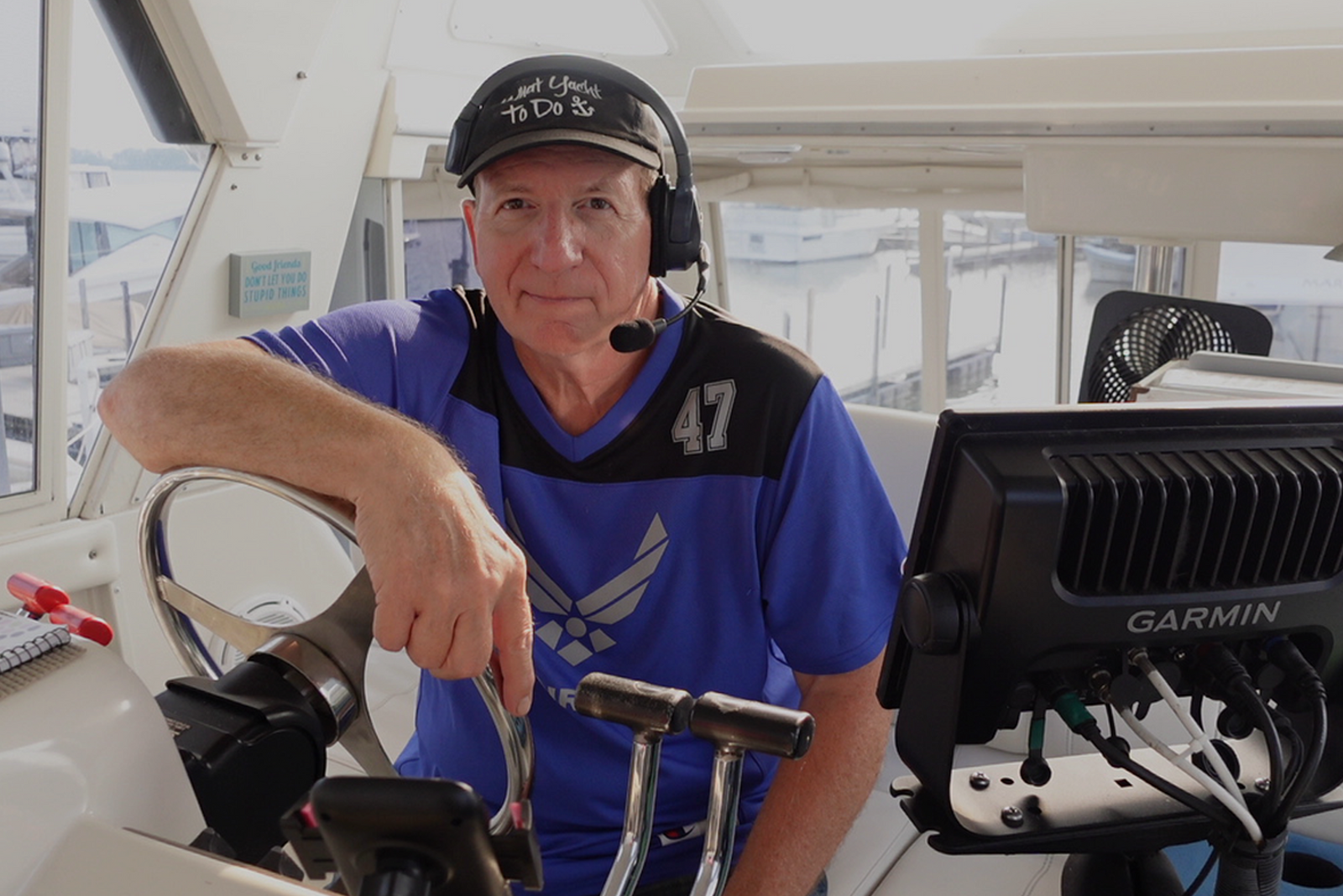

Discover how a retired airline pilot became obsessed with the Great Loop and built a thriving captain training business through Mariners Learning System.


Learn which substances the MMC drug test looks for, plus how masking agents and false positives factor in.


Discover the five most common mistakes mariners make on the captain’s license physical, plus a checklist for how to avoid them.
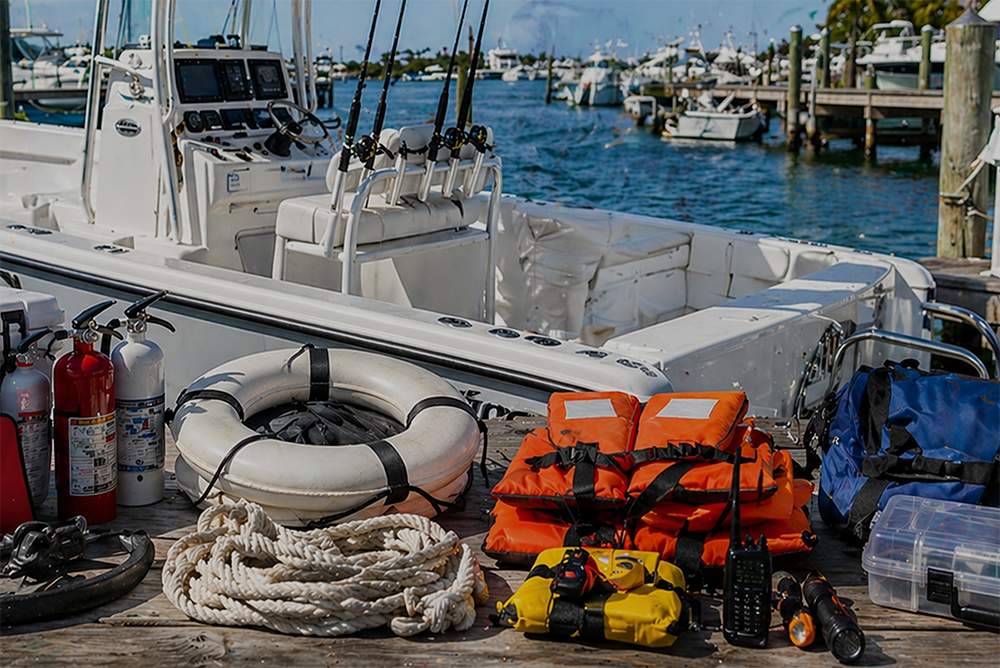

Discover why so many charter captains run out of money and how to plan every startup cost from your vessel purchase to guest-ready outfitting.

Learn how to build a charter business plan that covers pricing, expenses, and marketing so your captain’s license leads to lasting profit.

Transform how you talk about price with proven anchoring strategies and value-first framing that stops charter guests from shopping around.


Discover how charter captains use hybrid pricing models and seasonal adjustments to increase revenue and simplify bookings for every guest type.