

Meet Navi: Your 24/7 AI Instructor Inside the MLS Classroom
Unlock 24/7 access to Navi, an AI instructor trained on MLS course material, so you can ask questions, run practice quizzes, and nail your captain’s exam.
Yes. Mariners Learning System students can use the MLS eCampus app to access eligible online course content on Apple and Android devices.
The app gives you flexible access to your course materials so you can study on the go, download available lessons for offline use, and sync your progress when you reconnect to Wi-Fi or mobile data.
Important: Before you can access your course in the app, your course must first be activated through the Mariners Learning System website using a web browser.
If your course has not been activated in your online classroom first, it may not appear correctly in the mobile app.
The MLS eCampus app helps students study from almost anywhere.
| Feature | What it does |
|---|---|
| Mobile course access | View eligible Mariners Learning System course content on your phone or tablet. |
| Offline studying | Download available course materials while connected to the internet so you can study later without an active connection. |
| Progress syncing | Sync your course progress after you reconnect to the internet. |
| Answer review | Review your answers when you are back online so you can see what you have mastered and what needs more practice. |
You can download the app from the Apple App Store or Google Play. Search for MLS eCampus.
| Device type | Where to download |
|---|---|
| iPhone and iPad | Download from the Apple App Store |
| Android phones and tablets | Download from Google Play |
Once the app is downloaded, you have two login options:
| Login option | Best for |
|---|---|
| Email and password | Students who know their Mariners Learning System account login credentials. |
| QR code | Students who want to quickly connect the app to their online classroom account. |
Option 1: Log in with your email and password
Option 2: Log in by scanning a QR code
You can also log in by scanning the QR code from your online classroom profile.
You can use the MLS eCampus app to study offline, but the course material must be downloaded while you are connected to the internet first.
You can download previously completed work and current available work. You cannot download future work before it becomes available in your course.
| Available for offline download | Details |
|---|---|
| Previously completed work | Lessons, quizzes, or other study materials you have already completed can be downloaded while connected to the internet and reviewed offline later. |
| Current work | Course content currently available to you can be downloaded while connected to the internet and used offline. |
| Not available for offline download | Details |
|---|---|
| Future work | Course content that has not yet become available in your course cannot be downloaded in advance. |
Before going offline, open the MLS eCampus app while connected to Wi-Fi or mobile data. Download the course materials you want to study before you lose internet access.
Your progress can sync after you reconnect to the internet.
| Issue | What to check |
|---|---|
| Course does not appear in the app | Confirm that your course was activated in your Mariners Learning System classroom using a web browser first. |
| Login does not work | Make sure you are using the same email and password connected to your Mariners Learning System account. |
| QR code does not scan | Make sure the QR code is visible on your screen and your phone camera has permission to scan. |
| Offline content is missing | Confirm that you downloaded the available course material while connected to the internet. Previously completed work and current available work can be downloaded. Future course work cannot be downloaded in advance. |
| Progress is not updated | Reconnect to Wi-Fi or mobile data so the app can sync your latest activity. |
Yes. Mariners Learning System offers the MLS eCampus app as a companion app for eligible online courses.
Yes. Your course must be activated through the Mariners Learning System website in a web browser before it can be accessed in the app.
Yes. You can study offline after downloading the available course material while connected to the internet.
No. Future coursework cannot be downloaded before it becomes available in your course.
Search for MLS eCampus in the Apple App Store or Google Play.
Ask a question, share an experience, or add a helpful tip related to this article. Comments may appear after review to prevent spam.
Unlock 24/7 access to Navi, an AI instructor trained on MLS course material, so you can ask questions, run practice quizzes, and nail your captain’s exam.


Learn what questions to ask and how to prepare for a captain’s license drug test to ensure you avoid the most common application delays.
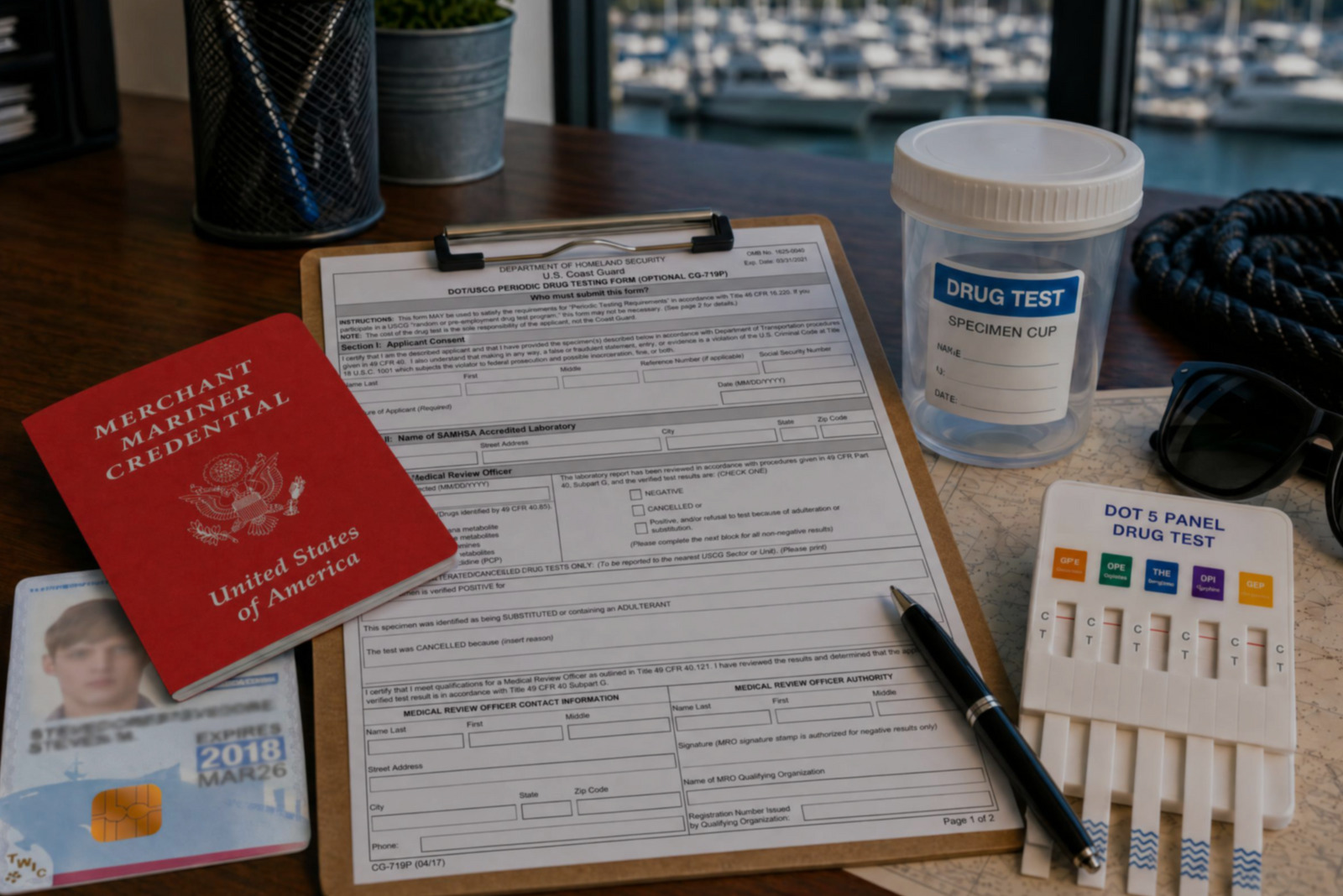

Discover the three types of drug tests working captains must submit to even after they’ve met the initial USCG drug testing requirements for their license.
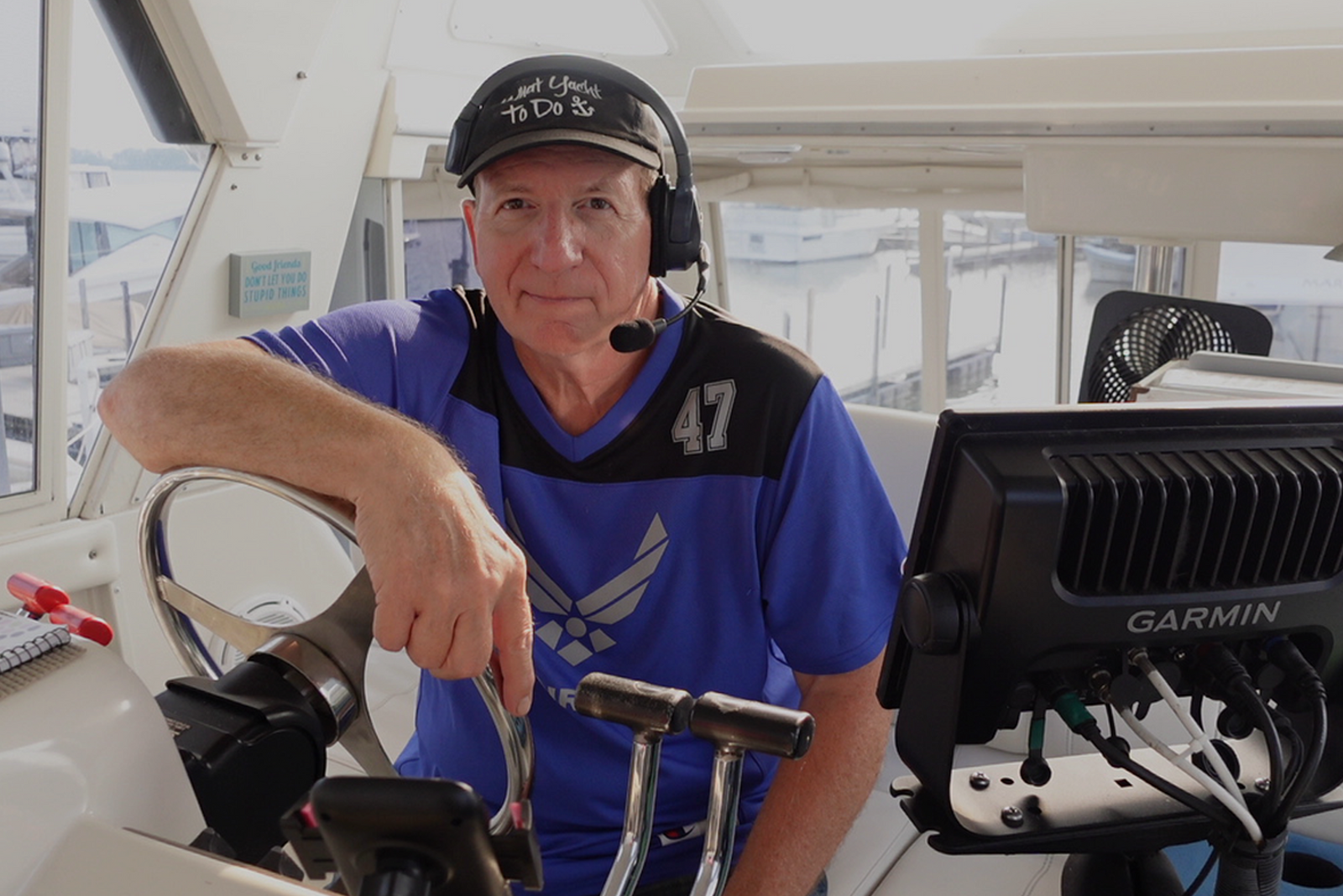

Discover how a retired airline pilot became obsessed with the Great Loop and built a thriving captain training business through Mariners Learning System.
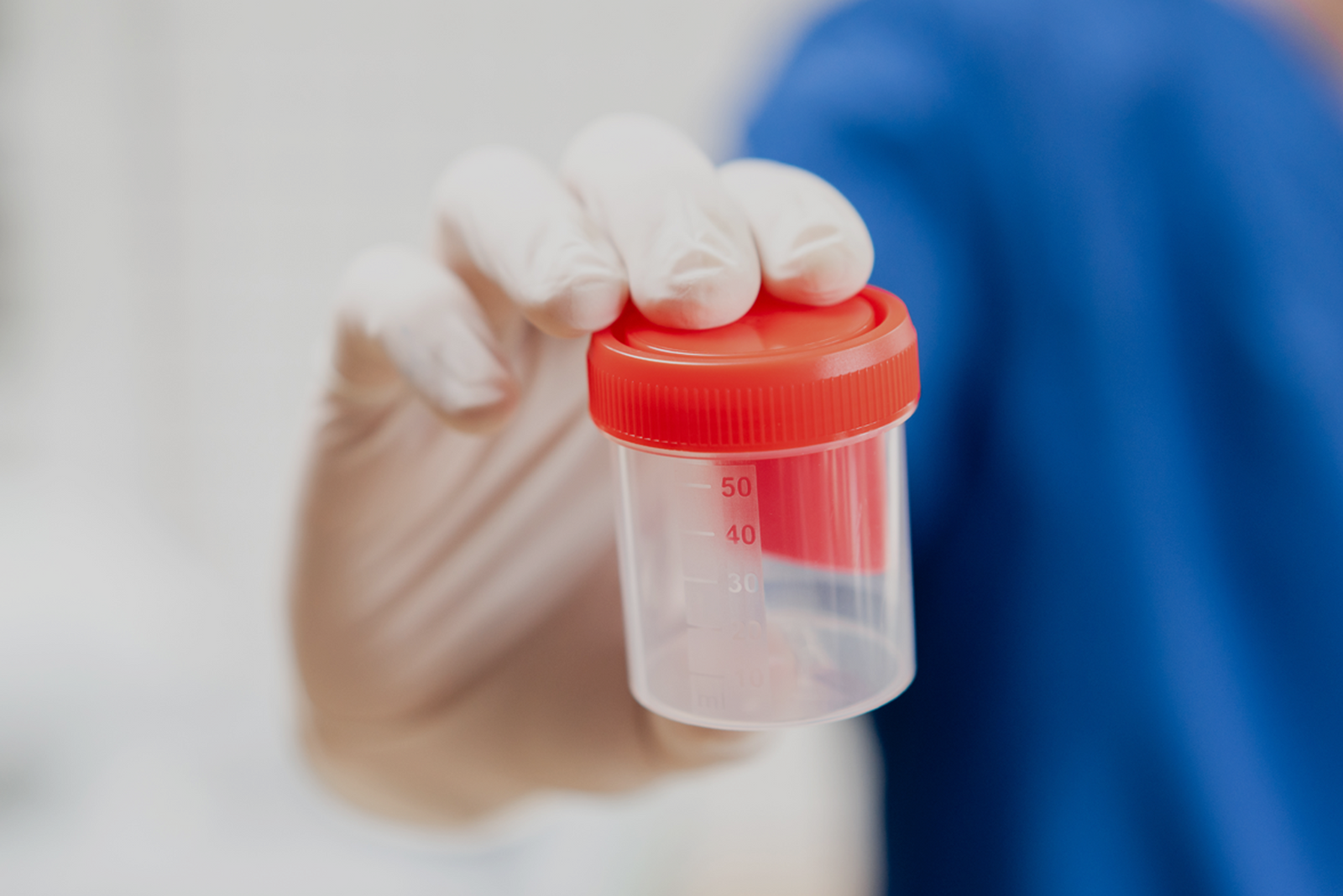

Learn which substances the MMC drug test looks for, plus how masking agents and false positives factor in.


Discover the five most common mistakes mariners make on the captain’s license physical, plus a checklist for how to avoid them.
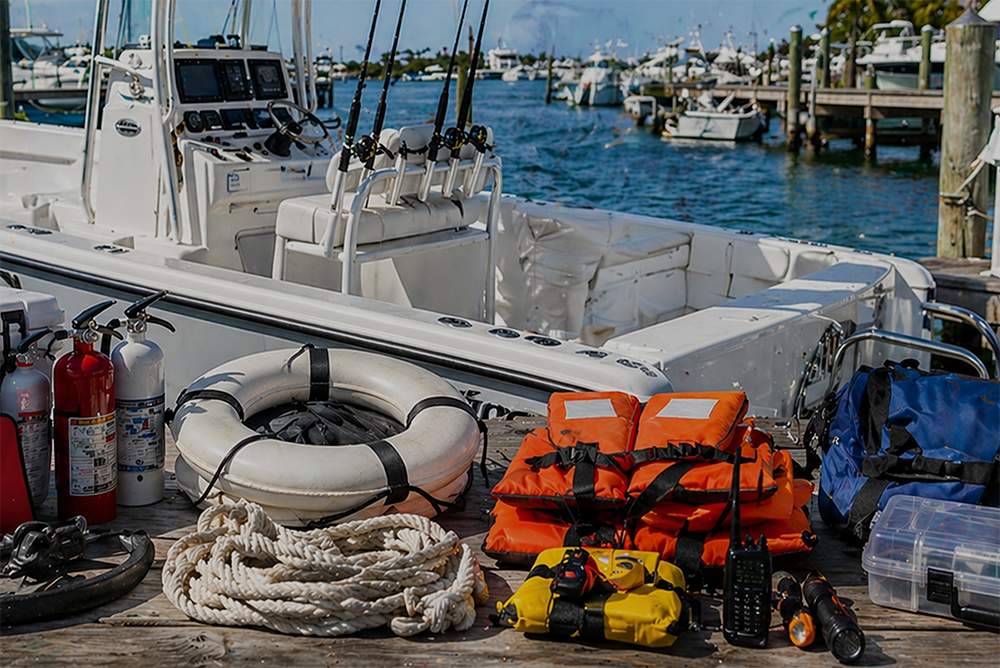

Discover why so many charter captains run out of money and how to plan every startup cost from your vessel purchase to guest-ready outfitting.
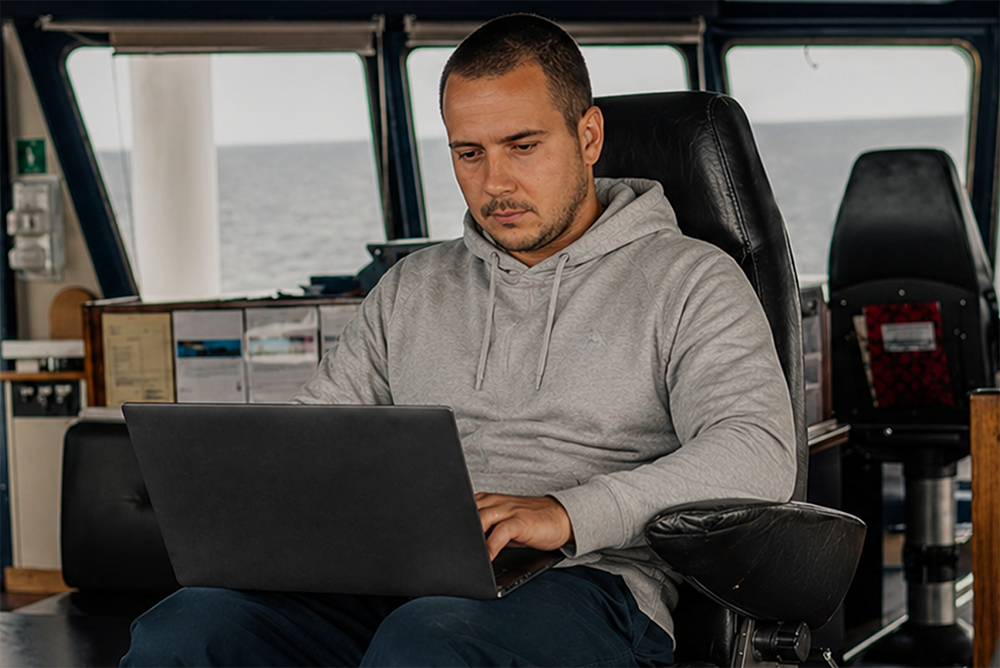

Learn how to build a charter business plan that covers pricing, expenses, and marketing so your captain’s license leads to lasting profit.


Transform how you talk about price with proven anchoring strategies and value-first framing that stops charter guests from shopping around.
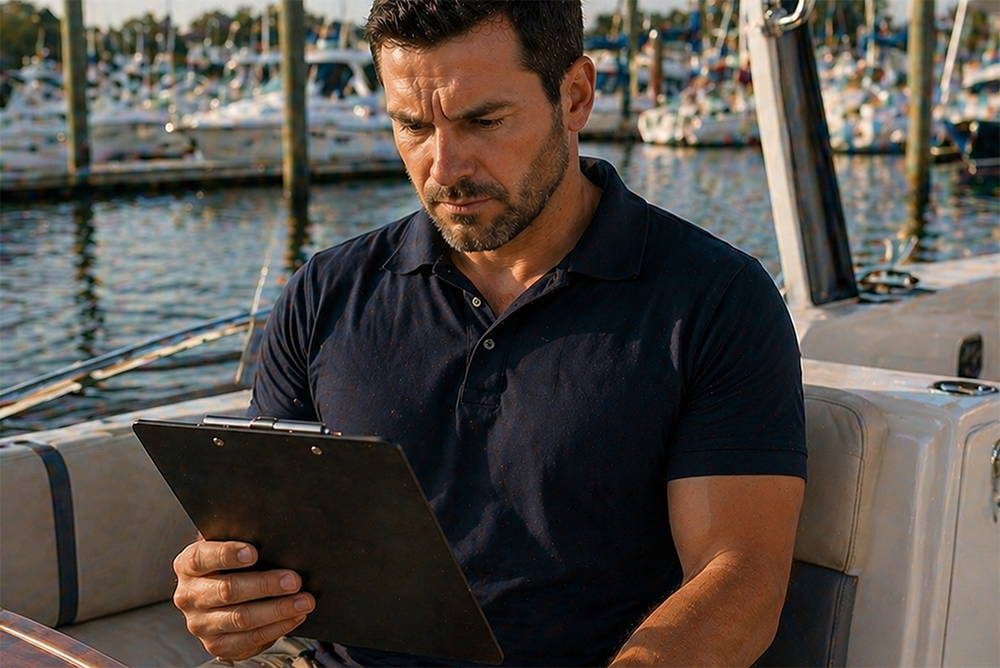

Discover how charter captains use hybrid pricing models and seasonal adjustments to increase revenue and simplify bookings for every guest type.