

Meet Navi: Your 24/7 AI Instructor Inside the MLS Classroom
Unlock 24/7 access to Navi, an AI instructor trained on MLS course material, so you can ask questions, run practice quizzes, and nail your captain’s exam.
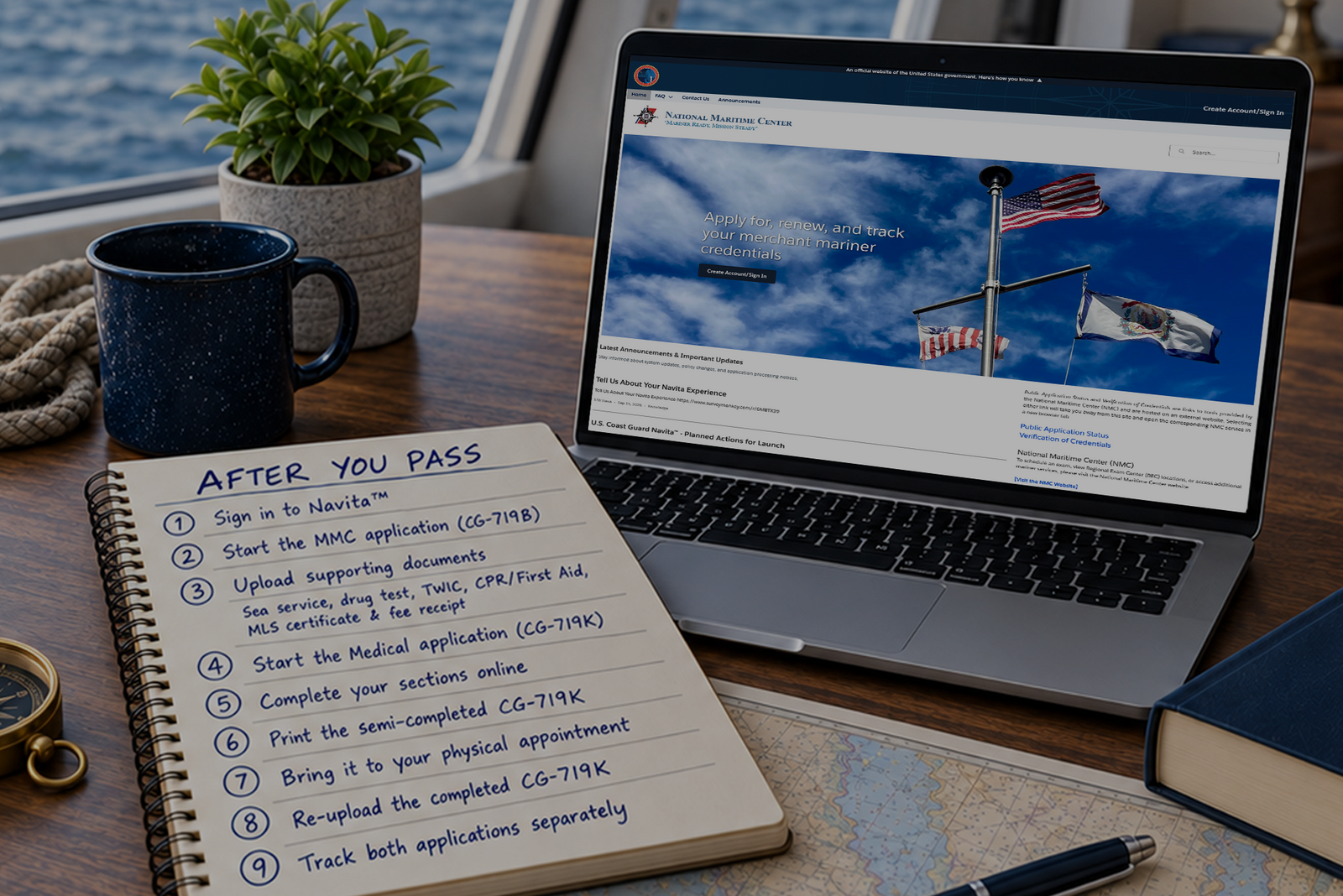

After passing your captain's license exam, you have one year to use your Mariners Learning System Certificate of Completion. During that time, you must submit your Merchant Mariner Credential and Medical Certificate applications to the National Maritime Center (NMC). The NMC, a division of the U.S. Coast Guard, reviews your safety and suitability, medical fitness, and professional qualifications. Processing may take approximately four to six weeks, but applicants should allow up to three months.
You passed the exam. That’s the hard part. Now comes the paperwork, and if you get it right the first time, you’ll have your Merchant Mariner Credential (MMC), the official name for a captain’s license, in hand within a matter of weeks. Get it wrong, and you could wait months.
At Mariners Learning System, we’ve seen more applications delayed by avoidable paperwork errors than by any other single cause. Here’s a step-by-step breakdown of the process so yours moves through without a hitch.
The captain’s license is issued by the National Maritime Center (NMC), a division of the U.S. Coast Guard based in Martinsburg, West Virginia. The NMC evaluates all applications for Merchant Mariner Credentials (MMCs) and issues credentials in compliance with 46 CFR Part 10, the federal regulation governing mariner credentialing. Although everyone calls it a “captain’s license,” the NMC refers to it officially as an MMC.
The NMC handles the full pipeline: background checks, medical review, sea-time verification, and credential printing. Your application doesn’t go to a local office; it goes directly to this centralized review center.
All captain’s licenses are MMCs, but not all MMCs are captain’s licenses. When you complete the application process, an MMC with your endorsed license will arrive in your mailbox.
As of September 14, 2026, the NMC requires all applications to be submitted through the online Navita™ portal. Email and fax submissions are no longer accepted and will be rejected.

Your application packet includes two separate submissions through Navita™:
MMC Application Packet (submitted under the Merchant Mariner Credential (MMC) (719B) tab):
Medical Certificate (submitted separately under the Medical Certificate (719K/719KE) tab):
Your Merchant Mariner Credential and Medical Certificate require separate applications in Navita™ and are reviewed separately by the NMC. Upload each document to the application where Navita™ requests it to prevent processing delays.
No. Character reference letters are no longer required. The Coast Guard eliminated this requirement years ago. Don't waste time gathering them.
Your Merchant Mariner Credential and Medical Certificate are submitted as separate applications in Navita™ and reviewed separately by the National Maritime Center. Across the two applications, the NMC evaluates three main areas.
|
Review Area |
Navita™ Application |
What the NMC Checks |
Common Issues |
|
Safety and Suitability (SSE) |
Merchant Mariner Credential (CG-719B) |
TWIC information, National Driver Registry consent and driving record, criminal history, and other safety or suitability information |
Undisclosed convictions, incomplete supporting records, or TWIC issues |
|
Medical Evaluation |
CG-719K, medical history, medications, provider information, vision, hearing, and examination results |
Missing signatures or dates, incomplete sections, or missing medical documentation |
|
|
Professional Qualification (PQS) |
Merchant Mariner Credential (CG-719B) |
Sea service, course completion, examination requirements, and eligibility for the requested endorsement |
Incomplete CG-719S sea service forms, incorrect vessel information, insufficient sea time, or an expired course certificate |
Either application can be delayed if information is missing or requires clarification. If the NMC requests an additional document, sign in to Navita™, select Contact Us, and create a case that identifies the document and the application it belongs to. After creating the case, open the case record and upload the requested PDF under the Files tab.
Responding promptly and submitting complete, accurate information from the beginning is the fastest path to receiving your Merchant Mariner Credential and Medical Certificate.
For original applications, the NMC advises allowing up to 90 days, though complete, error-free packets typically process in four to six weeks. Peak season (spring and early summer) and incomplete applications are the two biggest causes of longer wait times.
Some application forms are now completed directly in Navita™, while others must be completed outside the portal and uploaded as PDFs.
|
Form |
Purpose |
How It Is Completed |
Timing Requirement |
|
Application for a Merchant Mariner Credential |
Complete online through the Merchant Mariner Credential (CG-719B) application in Navita™ |
Submit while your Mariners Learning System Certificate of Completion is valid |
|
|
Documents your sea service; complete one form for each vessel |
Complete outside Navita™ and upload as a PDF to the Merchant Mariner Credential (CG-719B) application |
No expiration date as long as the form is still valid, but the documented service must meet the Coast Guard’s requirements for the endorsement requested |
|
|
Documents compliance with the Coast Guard’s drug-testing requirement |
Complete outside Navita™ and upload as a PDF to the Merchant Mariner Credential (CG-719B) application |
The drug test must have been completed within 185 days of the application, as required by 46 CFR 16.220 |
|
|
CG-719C (if necessary) |
Provides details about reportable convictions or drug-related offenses |
Complete within the Merchant Mariner Credential (CG-719B) application when Navita™ prompts you, and upload any required supporting records |
Required when your answers indicate that additional disclosure is necessary |
|
Application for a Medical Certificate and physical examination |
Begin the Medical Certificate (CG-719K/CG-719K/E) application in Navita™, complete your sections online, print the form for your medical provider, and upload the completed form after the examination |
The physical examination must be completed within 12 months of the application |
Your Mariners Learning System Certificate of Completion, TWIC card, and adult CPR/basic first aid card/certificate are not Coast Guard forms, but they are a required part of your MMC application.
Use the current forms and instructions provided through Navita™. When a document must be completed outside the portal, download the current version from the National Maritime Center website or the applicable Mariners Learning System resource immediately before completing it.
Check the expiration date printed in the upper right corner of each form. If the date has passed, download the newest version. The CG-719 series forms are periodically updated, and an outdated form is one of the most common reasons for rejection.
The Coast Guard charges evaluation and issuance fees for Merchant Mariner Credential transactions. During the CG-719B application process, Navita™ calculates the fees for your license type and transaction and displays the total amount due.
For an original captain's license application completed through a USCG-approved course, the government fee is typically around $145 for evaluation and issuance. Because you completed an approved course, there is no separate Coast Guard examination fee. Fee requirements are established under 46 CFR 10.219.
To pay your fees:
A screenshot or email confirmation will not upload. You must download and upload the official Pay.gov receipt PDF. Your application cannot be submitted until the fee requirement is complete.
Some applicants may qualify for a fee waiver. Navita™ will ask the applicable questions and calculate the amount due based on the information provided.
At Mariners Learning System, your course tuition includes the course and proctored exam, with no separate testing fee. The $695 OUPV/Six-Pack tuition or $895 Master tuition does not include the Coast Guard's evaluation and issuance fees, physical examination, drug test, or TWIC costs.
Your Merchant Mariner Credential and Medical Certificate are approved and issued separately. When your MMC application is approved, the NMC’s credential production team prints your Merchant Mariner Credential and mails it through USPS. Confirm that the mailing address in your Navita™ account and CG-719B application is a valid USPS address.
Your Medical Certificate may be approved at a different time. As of April 1, 2026, the NMC generally delivers Medical Certificates digitally by email. Monitor the email address listed in your Navita™ account, including your spam or junk folder.
You need both a valid Merchant Mariner Credential and Medical Certificate before operating commercially. Because they may arrive at different times, plan your licensing timeline carefully if you have a charter season or employment start date approaching.
Starting March 1, 2024, the Coast Guard will issue MMCs in a new format, replacing the old passport-style red book. Legacy credentials remain valid until their printed expiration date. Your new credential arrives as a single document with all endorsements printed directly on it rather than as separate labels.
The application forms can feel overwhelming, especially for first-time applicants. Mariners Learning System can help answer basic questions about where to go and what to fill out, though we can’t complete your application for you.
As a student with us, you receive access to MM-SEAS Expert Access for two years at no additional cost with your captain's license purchase. Normally $99 per year, Expert Access provides Maritime Guidance Counseling on the training, courses, and sea service required for your next credential. You can also contact USCG licensing experts through unlimited email, phone, and one-on-one video support, or join a daily 30-minute live call.
Yes. You can create your Navita™ account, begin the Merchant Mariner Credential application, and gather supporting documents such as your sea service forms, drug-testing documentation, TWIC card copy, and first-aid and CPR certifications. Navita™ saves your progress each time you select Next, allowing you to return to your draft later.
However, you cannot submit your MMC application until you pass the proctored exam and upload your Mariners Learning System Certificate of Completion. The Submit Application button will not appear until every required checklist item is complete.
You can also complete and submit your separate Medical Certificate application before finishing the course. Begin the CG-719K process in Navita™, complete your sections online, print the form for your medical provider, and upload and submit the completed form after your examination.
The NMC will send you an Awaiting Information (AI) letter specifying what’s missing. Respond promptly. Each AI cycle adds weeks to processing. The simplest way to avoid AI letters is to review your entire packet against the NMC checklist before hitting submit.
Yes. Navita™ allows you to authorize an individual to act as your third-party proxy during the MMC application process.
Most applicants report being able to submit on their own. However, application assistance can be especially valuable if you have medical concerns, foreign sea service, a complex conviction history, military service records, or other circumstances that require additional documentation.
MM-SEAS offers Stress-Free MMC. You work with an MM-SEAS licensing expert to build your application, check it for completeness, make sure it is submitted correctly, and follow it until your credential is issued.
You passed the exam. Now it is time to complete the application process. Gather your documents, check every entry and signature, and submit your separate Merchant Mariner Credential and Medical Certificate applications through Navita™. A complete, accurate submission helps prevent delays and keeps you moving toward receiving both credentials you need to operate commercially.
If you have questions about the application process or any other part of earning your captain’s license, the team at Mariners Learning System is here to help. We’ve guided more than 200,000 students through this process, and we’re not going to let paperwork be the reason you don’t get your license.

Coast Guard regulations, fees, forms, and submission procedures may change. As of September 14, 2026, online Merchant Mariner Credential and Medical Certificate applications are submitted through Navita™. The previous ASAP portal is no longer used, and the NMC does not accept applications by email or fax. Confirm the current requirements and procedures with the National Maritime Center before submitting your applications.
Ask a question, share an experience, or add a helpful tip related to this article. Comments may appear after review to prevent spam.
Unlock 24/7 access to Navi, an AI instructor trained on MLS course material, so you can ask questions, run practice quizzes, and nail your captain’s exam.


Learn what questions to ask and how to prepare for a captain’s license drug test to ensure you avoid the most common application delays.
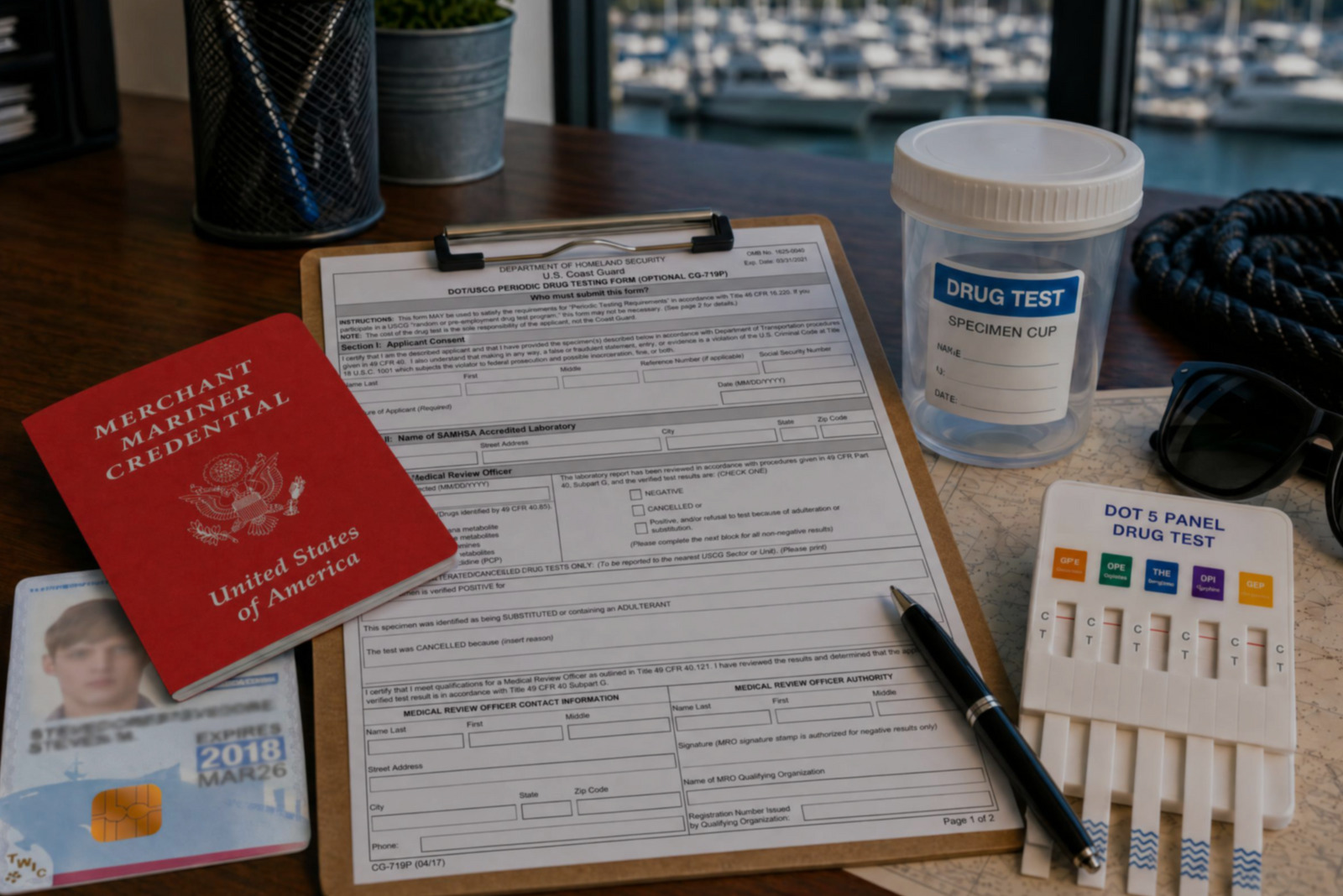

Discover the three types of drug tests working captains must submit to even after they’ve met the initial USCG drug testing requirements for their license.

Discover how a retired airline pilot became obsessed with the Great Loop and built a thriving captain training business through Mariners Learning System.


Learn which substances the MMC drug test looks for, plus how masking agents and false positives factor in.


Discover the five most common mistakes mariners make on the captain’s license physical, plus a checklist for how to avoid them.
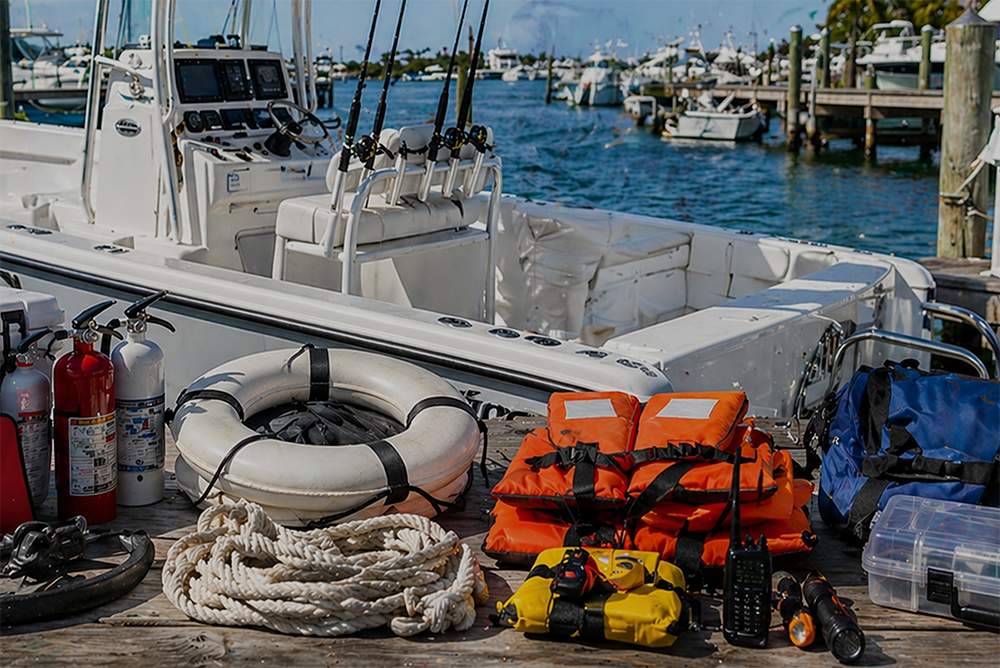

Discover why so many charter captains run out of money and how to plan every startup cost from your vessel purchase to guest-ready outfitting.

Learn how to build a charter business plan that covers pricing, expenses, and marketing so your captain’s license leads to lasting profit.

Transform how you talk about price with proven anchoring strategies and value-first framing that stops charter guests from shopping around.


Discover how charter captains use hybrid pricing models and seasonal adjustments to increase revenue and simplify bookings for every guest type.