

Meet Navi: Your 24/7 AI Instructor Inside the MLS Classroom
Unlock 24/7 access to Navi, an AI instructor trained on MLS course material, so you can ask questions, run practice quizzes, and nail your captain’s exam.
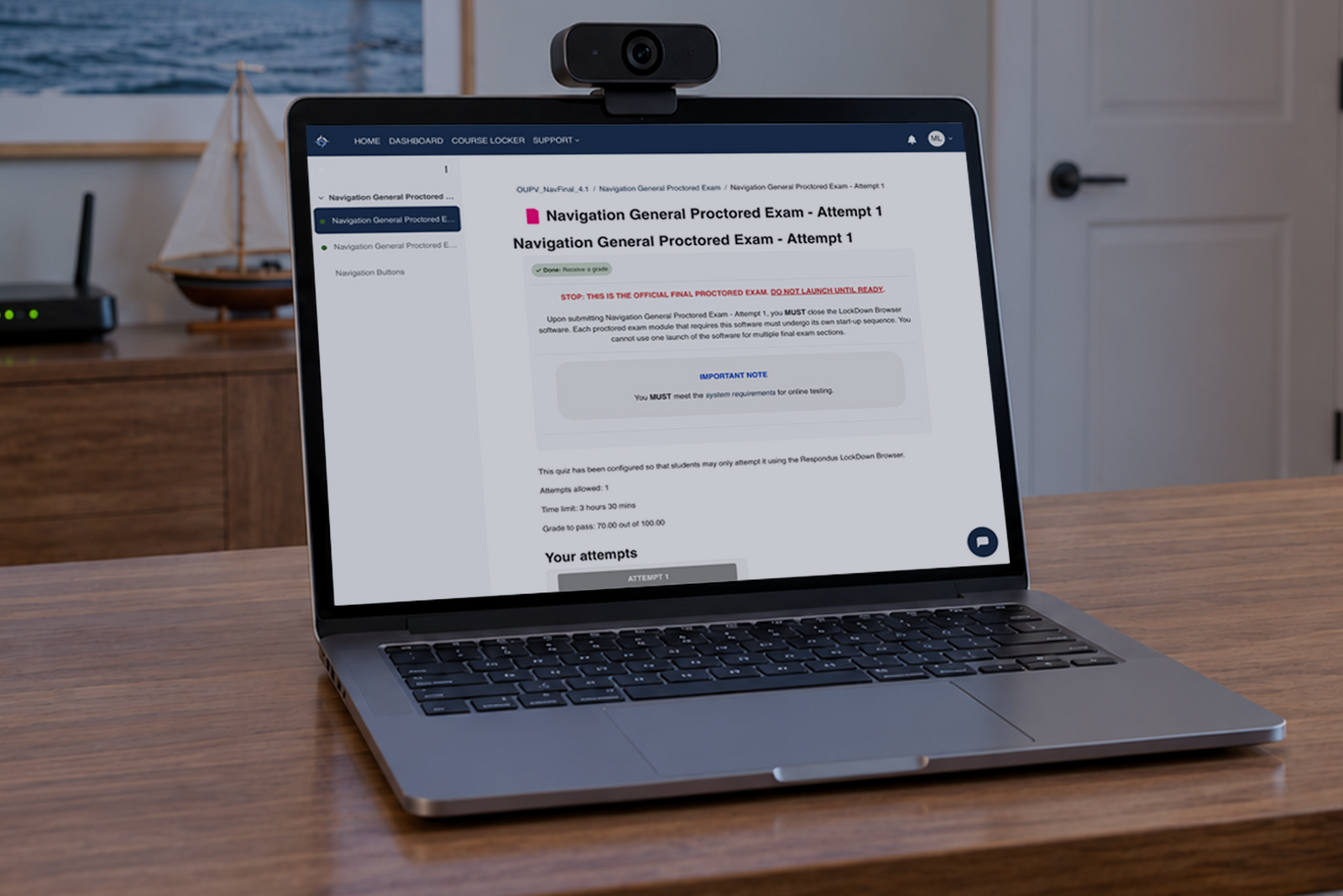

The Mariners Learning System (MLS) online captain’s license exam requires a desktop or laptop with a webcam and microphone, a high-speed internet connection, a quiet and clutter-free workspace, and a valid photo ID. The exam is proctored, available 24/7 with no appointment needed, and included in your course price with no extra fees.
Taking an exam can be nerve-racking. We know that. Many of our students haven’t been in a testing environment in years, and the thought of a proctored exam from home adds a layer of uncertainty.
Here’s the good news: we built the testing process to remove as many obstacles as possible. No travel to a Coast Guard testing center. No scheduling an appointment weeks in advance. No surprise exam fees.
Just you, your computer, and the knowledge you’ve built in the course.
This article covers technical and logistical requirements so you can walk into exam day with zero surprises.

You’ll need a desktop or laptop computer (not a Chromebook, tablet, or smartphone), a working webcam and microphone, and a reliable high-speed internet connection. The exam runs through proprietary software you download directly from your MLS classroom account.
|
Requirement |
Details |
|
Computer |
Desktop or laptop (Chromebooks, tablets, and smartphones aren’t supported) |
|
Webcam |
Built-in or external, working and positioned to show your face |
|
Microphone |
Built-in or external, working |
|
Internet |
High-speed broadband connection (wired preferred for stability) |
|
Software |
Downloaded from your MLS classroom account before exam day |
|
Operating System |
Check the MLS system requirements page for current compatibility |
Download and test the exam software before your exam day. A five-minute setup check is far better than troubleshooting under time pressure. If you run into any technical issues, our 24/7 technical support team is standing by via chat and phone.
No. The proctoring software requires a full desktop or laptop operating system. Chromebooks, tablets, and smartphones don’t support the software.
If you don’t have access to a compatible computer, you can borrow a friend/family member’s computer, use a work computer, or go to the library. Note: Sometimes other organizations or people restrict application downloads, so check beforehand.
Choose a quiet room with minimal distractions, and clear your desk of all papers, books, phones, and other materials. The exam is a recorded session that the proctor will review afterward. They will pay attention to your testing environment, and anything that looks like an unauthorized aid can cause a policy violation and lead to a failed exam.
Close all other programs and browser tabs on your computer before launching the exam software. Notify anyone in your household that you’ll be testing. Background noise or interruptions can cause a policy violation.
The one exception to the “clear desk” rule is the chart plotting module (OUPV/Six-Pack and Master exams), where you’re allowed specific plotting tools listed below. Cell phones are prohibited during all modules.
During the exam startup, you’ll hold a valid photo ID up to your webcam for identity verification. The software captures the ID for your proctor to verify later. Accepted forms include:
Make sure your ID is legible and not expired. If the proctor can’t verify your identity, it could be a policy violation and count as a failure.
Renew your ID before scheduling your exam. The proctoring service won’t accept expired identification under any circumstances.
The OUPV/Six-Pack exam has four modules, and the Master exam (a combination of the OUPV and the Master’s Upgrade) has five. You need to pass every module to earn your Certificate of Completion.
|
Exam Module |
OUPV Questions |
Master Questions |
Passing Score |
|
Chart Plotting |
10 |
10 |
90% |
|
Navigation General |
50 |
50 |
70% |
|
Deck General/Safety |
50 |
50 |
70% |
|
Rules of the Road |
50 |
50 |
90% |
|
Master’s Upgrade |
N/A |
70 |
70% |
You have five business days to complete all modules once you start, with 3.5 hours allotted for each module. Most students finish the OUPV exam in about two to 2.5 hours total. You don’t have to take all modules in a single sitting.
If you fail a module, you can retest after review. Retakes need to happen within three months of the original attempt or before your course expiration, whichever comes first. For a deeper look at what to expect on exam day, see our captain’s license study guide.
During the chart plotting module, you’re allowed to use parallel rulers, dividers, a yardstick, triangles, parallel protractors, and parallel plotters. Cell phones and tools with a DST wheel are prohibited.
You can also use a basic, non-scientific calculator (not a cellphone). If you need chart plotting tools, check the gear section of our website.
Once you’ve passed all modules, your Certificate of Completion becomes available in your MLS classroom account. Download it and include it in your USCG application package along with your other required documents. The certificate is valid for one year from the date of passing, so don’t wait too long to submit.
At Mariners Learning System, the exam is included in your course price. No surprise fees, no separate exam charges. Learn more about how to get your USCG license without a separate Coast Guard exam.
Many other programs charge a $95 exam fee on top of tuition. We don’t.
The online exam is the final academic step between you and your captain’s license. Prepare your workspace, check your tech, and trust the work you’ve done in the course. Our 24/7 support team is available if anything goes sideways.
To learn more about safe marine operation of all kinds, find a course that’s right for you with Mariners Learning System. From recreational boating to commercial charters, we detail everything you need to know to keep you, your boat, and your passengers safe on the water.

This article is for informational purposes and does not constitute legal or regulatory advice. USCG requirements change. Confirm current requirements with the National Maritime Center before submitting your application. Reviewed for accuracy against current USCG guidance by the Mariners Learning System team.
Ask a question, share an experience, or add a helpful tip related to this article. Comments may appear after review to prevent spam.
Unlock 24/7 access to Navi, an AI instructor trained on MLS course material, so you can ask questions, run practice quizzes, and nail your captain’s exam.


Learn what questions to ask and how to prepare for a captain’s license drug test to ensure you avoid the most common application delays.
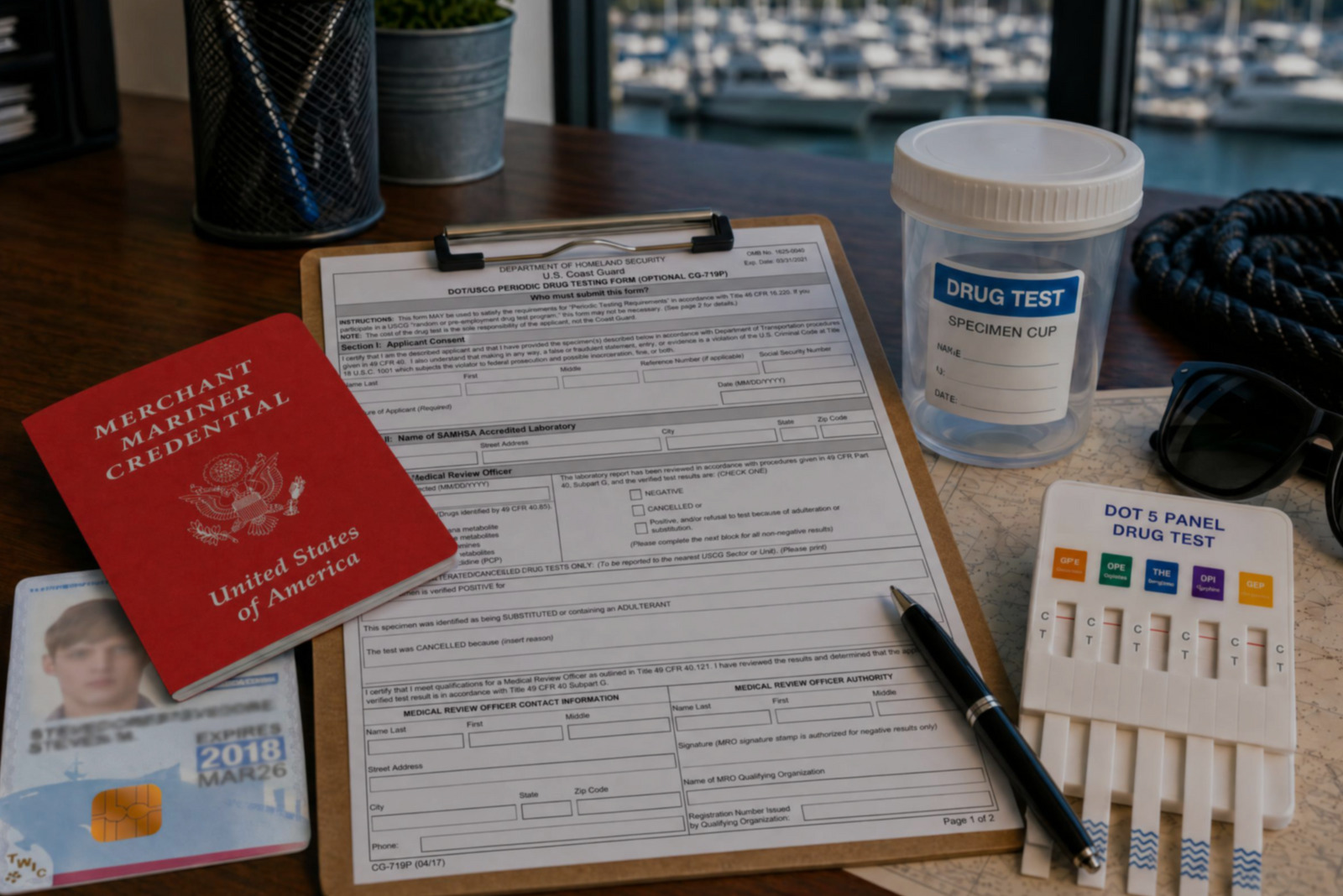

Discover the three types of drug tests working captains must submit to even after they’ve met the initial USCG drug testing requirements for their license.
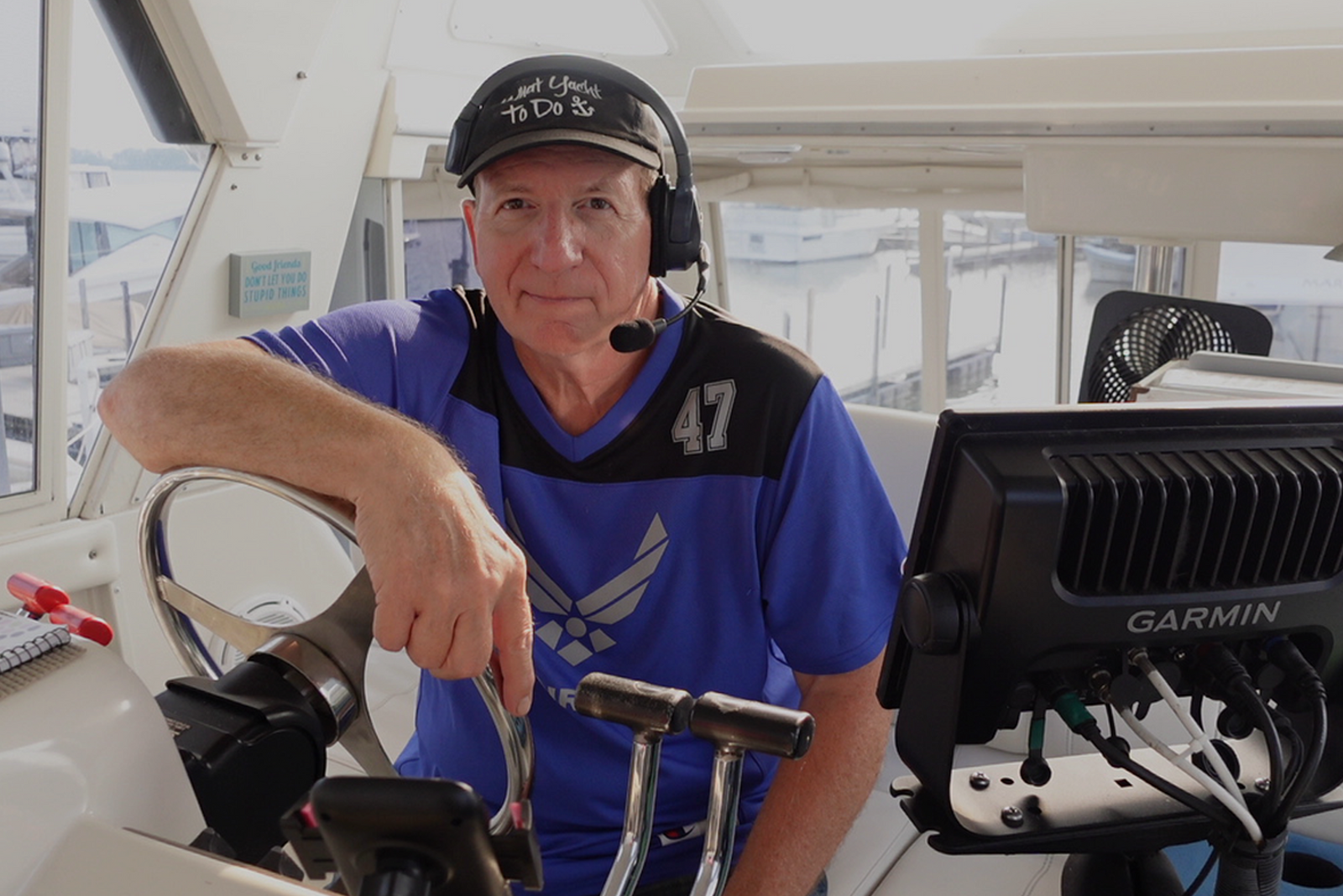

Discover how a retired airline pilot became obsessed with the Great Loop and built a thriving captain training business through Mariners Learning System.

Learn which substances the MMC drug test looks for, plus how masking agents and false positives factor in.

Discover the five most common mistakes mariners make on the captain’s license physical, plus a checklist for how to avoid them.

Discover why so many charter captains run out of money and how to plan every startup cost from your vessel purchase to guest-ready outfitting.

Learn how to build a charter business plan that covers pricing, expenses, and marketing so your captain’s license leads to lasting profit.

Transform how you talk about price with proven anchoring strategies and value-first framing that stops charter guests from shopping around.

Discover how charter captains use hybrid pricing models and seasonal adjustments to increase revenue and simplify bookings for every guest type.