

Meet Navi: Your 24/7 AI Instructor Inside the MLS Classroom
Unlock 24/7 access to Navi, an AI instructor trained on MLS course material, so you can ask questions, run practice quizzes, and nail your captain’s exam.


Form CG-719K is the Application for Medical Certificate used by U.S. Coast Guard captain's license applicants. Begin the separate Medical Certificate application in Navita™ BEFORE your physical, complete your sections online, and print the generated form for your medical provider. After the examination, upload the completed and signed form to the same Medical Certificate application and submit it to the National Maritime Center.
Most aspiring captains hit one form that makes them nervous: the CG-719K. It’s the medical piece of your application, and a single blank field can send you back to the doctor’s office.
The good news is that it’s straightforward once you know what each section wants. We’ve walked thousands of students through it. Here’s how to complete Form CG-719K right the first time.
Form CG-719K, the Application for Medical Certificate, is the document a licensed practitioner uses to record whether you meet the Coast Guard’s medical and physical standards. The National Maritime Center reviews it through a separate Medical Certificate application in Navita™. Anyone applying for or renewing a captain’s license needs a valid Medical Certificate.
The certificate proves you can communicate, hear alarms, and perform routine and emergency duties without an impairing condition. It applies to OUPV/Six-Pack and Master applicants alike. The current form is 10 pages long, so read it through before your appointment.

Yes. Both the OUPV/Six-Pack and the 25/50/100-Ton Master require a medical certificate, and the CG-719K is the form you use to document it. Most of our students complete the exam with their own family doctor rather than a specialist.
Two versions of the form exist, and picking the wrong one is a common cause of delay. The standard CG-719K is what nearly every captain’s license applicant uses. The short-form CG-719K/E covers a narrow group of entry-level and staff-officer mariners.
Here’s how they compare:

If you’re pursuing any captain’s license, use the standard CG-719K. The short form exists for food handlers and entry-level roles that don't stand a navigational watch, the shifts spent actually operating the vessel. That's a different path than the one most of our students are on.
The standard CG-719K. The short-form CG-719K/E only fits entry-level and staff-officer endorsements that won’t stand a watch. If your goal is an OUPV/Six-Pack or Master license, the full CG-719K is the correct form.
Completing the CG-719K is a three-part process: you begin the application online, your medical provider completes the examination on the printed form, and you return to Navita™ to upload and submit it. The Coast Guard authorizes a licensed medical doctor, physician assistant, or nurse practitioner to perform the evaluation under 46 CFR 10.302(b).
Sign in to the Navita™ Mariner Portal through Login.gov.
From the home page, select Medical Certificate (719K/719K/E).
Select Officer as the credential you are applying for.
When Navita™ asks which medical certificate form you need, select CG-719K.
Complete the online sections, including your personal information, medical conditions, medications, applicant signature, and consent.
After completing every online section, download and print the generated CG-719K. Bring every page to your medical appointment.
Your medical provider performs the examination, completes the applicable sections, and signs and dates the form where indicated.
Gather any supporting medical documentation required for a reported condition.
Return to Navita™ and upload the completed, signed CG-719K and any required supporting documents.
Confirm the upload was successful, select Submit Application, and save a copy of the completed form for your records.
The medical provider does not complete the form inside Navita™. You must finish your online sections and print the form before the appointment. Your Medical Certificate application is separate from your Merchant Mariner Credential application, and you may submit it before completing your captain’s license course.
You and a licensed medical practitioner split it. You complete the applicant information and personal history; a licensed medical doctor, physician assistant, or nurse practitioner authorized under 46 CFR 10.302(b) completes the physical exam and signs off on your fitness.
The exam confirms four things: vision, hearing, general medical condition, and physical ability. Those standards sit in the federal medical regulations (46 CFR Part 10, Subpart C), with vision spelled out in 46 CFR 10.305. The point isn’t a perfect bill of health; it’s whether you can perform routine and emergency duties safely at sea.
Vision is the most common sticking point. Deck applicants need at least one eye correctable to 20/40, and color vision is assessed by an approved test such as the Farnsworth Lantern Test. Conditions like sleep apnea, diabetes, or a heart history don’t automatically disqualify you, but they do need documentation.
For the full picture of which conditions need paperwork and which can earn a waiver, read our guide to captain’s license medical disqualifiers.
Deck applicants need vision in at least one eye correctable to 20/40 or better, per 46 CFR 10.305. Glasses or contacts are fine. Color vision is checked separately, and a restriction is possible rather than an outright denial.
A medical certificate for national mariners is valid for up to five years under 46 CFR 10.301(b)(2). You renew it on the same five-year cycle as your credential. Plan your exam timing so the certificate is current when you apply.
Because the certificate and your MMC run on similar cycles, many mariners handle both together. If your health changes substantially mid-cycle, contact the NMC rather than waiting for renewal.
National mariners renew the medical certificate at least every five years, aligned with the credential cycle. If your health changes substantially before then, contact the NMC rather than waiting for your next renewal.
After guiding thousands of applications, we see the same handful of errors send students back for a second doctor visit. Each one is avoidable, and each one costs weeks. Knowing them in advance is the cheapest insurance on your whole application.
The three that cost the most time are an unsigned section that forces a return trip to the practitioner, a reported condition submitted without supporting documentation, and selecting the wrong form for the credential being sought. Another common mistake is scheduling the examination before completing the online Navita™ sections and printing the generated form.
Fix these before you submit, and your medical certificate rarely becomes the bottleneck. That’s the difference between a clean file and an “awaiting information” letter.
Submitting an incomplete or unsigned form. A blank practitioner signature or a flagged condition with no attached documentation triggers an “awaiting information” hold, which adds weeks. A quick review of every page before you send it prevents most delays.
A denial isn’t the end of the road. If the NMC determines you don’t meet a standard, you can request reconsideration under 46 CFR 1.03-40, in writing, postmarked within 30 days of the denial letter. Your request can point out errors, add new information, or explain extenuating circumstances.
Many conditions that fall short of a standard still qualify for a waiver under 46 CFR 10.303. A waiver may carry a limitation, such as a daylight-only restriction, and you carry the waiver letter while operating under your credential.
Yes. Request reconsideration in writing within 30 days of the denial letter under 46 CFR 1.03-40, adding any new medical documentation. If you fall short of a standard but pose no real safety risk, the NMC may issue a waiver with limitations instead.
Begin the Medical Certificate (719K/719K/E) application in Navita™, select Officer and CG-719K, and complete the required online sections. Navita™ then generates the form for you to download, print, and take to your medical provider.
Yes. A licensed medical doctor, physician assistant, or nurse practitioner can complete and sign the exam under 46 CFR 10.302(b). Most of our students use their own family doctor instead of seeking out a specialist.
After your medical provider completes and signs the printed form, return to your separate Medical Certificate application in Navita™. Upload the completed CG-719K, confirm that the upload was successful, and select Submit Application. Do not upload it to your Merchant Mariner Credential application.
No. The CG-719K is your medical exam. The drug test is separate; a DOT 5-panel test (a federal five-substance drug screen) must fall within 185 days of your application under 46 CFR 16.220, documented on its own form.
Coast Guard forms and processes change. This guide reflects the current Navita™ process, but always follow the instructions displayed in your Medical Certificate application and confirm requirements with the NMC. For questions, use Contact Us in Navita™ or call the NMC at 1-888-427-5662.
The CG-719K looks intimidating, but the Navita™ process walks you through it. Complete your sections online before the physical, bring the printed form to your provider, check every signature and date, and upload the finished form to your Medical Certificate application.
From here, your next move is the license itself. Explore the OUPV/Six-Pack Captain’s License or the 25/50/100-Ton Master Captain’s License. If you have questions about the CG-719K or any other part of the application process, the team at Mariners Learning System is here to help. We’ve guided more than 200,000 students through this process, and we’re not going to let paperwork be the reason you don’t get your license.
Ask a question, share an experience, or add a helpful tip related to this article. Comments may appear after review to prevent spam.
Unlock 24/7 access to Navi, an AI instructor trained on MLS course material, so you can ask questions, run practice quizzes, and nail your captain’s exam.


Learn what questions to ask and how to prepare for a captain’s license drug test to ensure you avoid the most common application delays.
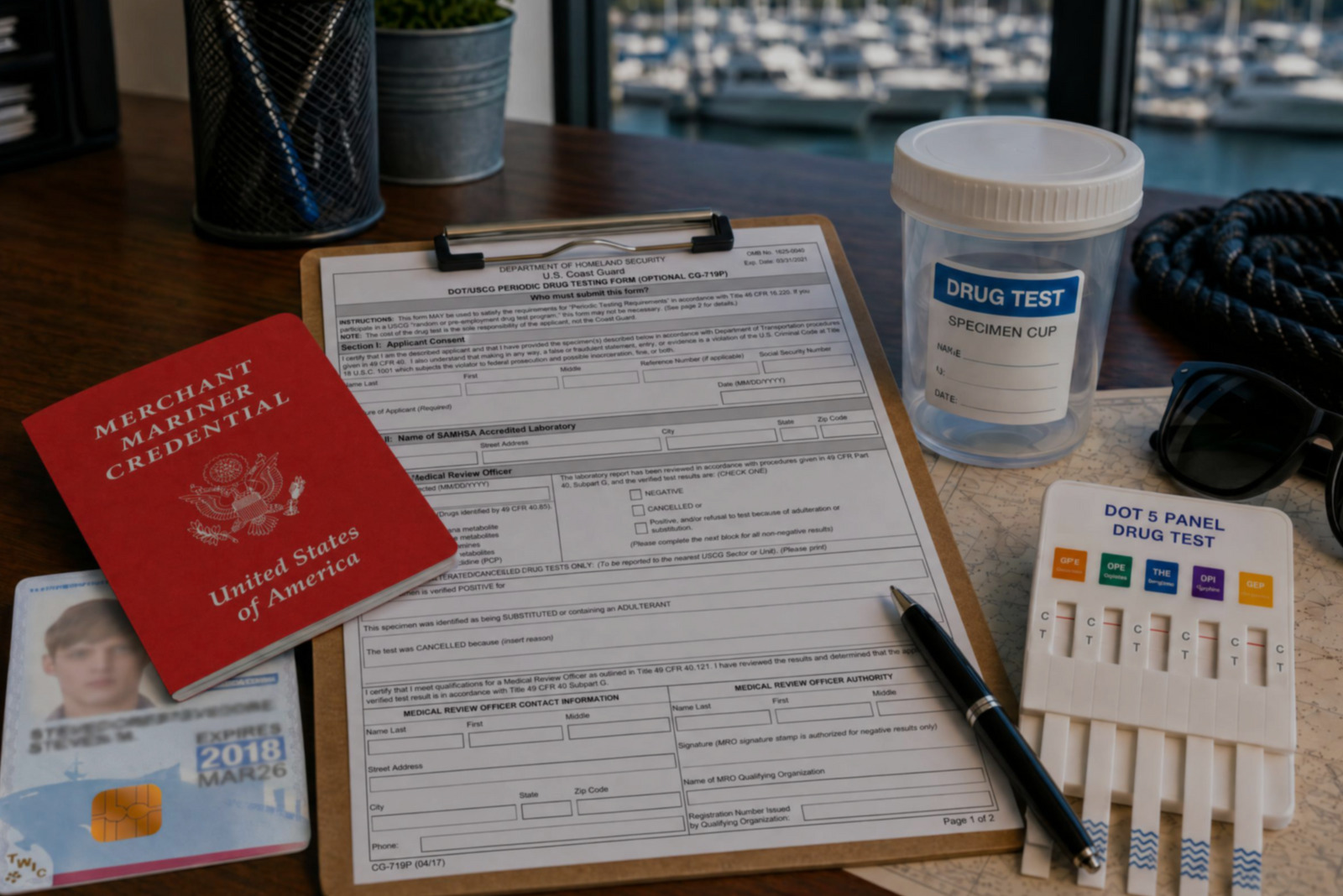

Discover the three types of drug tests working captains must submit to even after they’ve met the initial USCG drug testing requirements for their license.

Discover how a retired airline pilot became obsessed with the Great Loop and built a thriving captain training business through Mariners Learning System.


Learn which substances the MMC drug test looks for, plus how masking agents and false positives factor in.


Discover the five most common mistakes mariners make on the captain’s license physical, plus a checklist for how to avoid them.
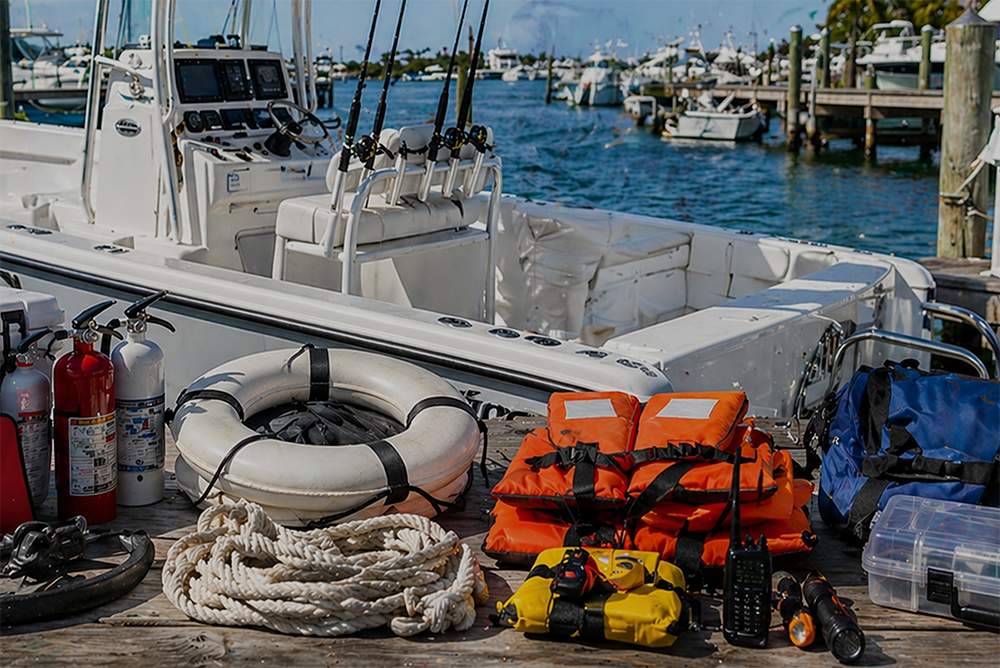

Discover why so many charter captains run out of money and how to plan every startup cost from your vessel purchase to guest-ready outfitting.

Learn how to build a charter business plan that covers pricing, expenses, and marketing so your captain’s license leads to lasting profit.

Transform how you talk about price with proven anchoring strategies and value-first framing that stops charter guests from shopping around.

Discover how charter captains use hybrid pricing models and seasonal adjustments to increase revenue and simplify bookings for every guest type.